Coding|14 April 2025
We’ve made a few updates to your Teacher Dashboard to make your experience smoother and more intuitive. Don’t worry—it’s still the dashboard you know and love, just easier to use!
1. Clearer Tab Names
Teach Tab: This is your new home page! It now holds all the courses you use to teach your students.
Training Tab: This is where you’ll find all your teacher training and professional development courses. These no longer appear on your Teach page, keeping things tidy.
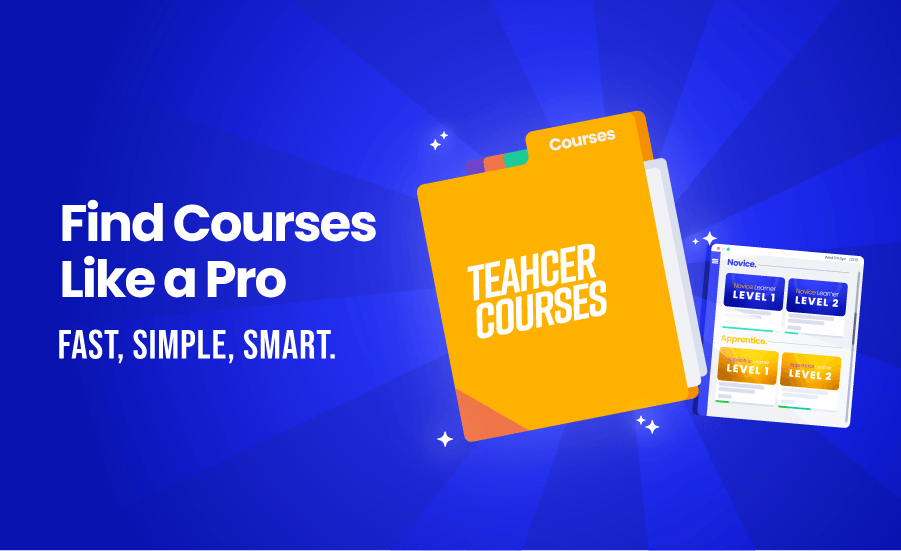
2. Courses Grouped by Level
Finding your courses is now easier than ever.
Courses are neatly grouped in collapsible sections:
Novice Courses (at the top)
Apprentice Courses
Advanced + Extras
No more endless scrolling—everything’s where you’d expect it to be.
3. Archived Courses
Need to revisit an old course?
Just scroll to the bottom of your Teach page—all archived courses are grouped there for easy access.
4. Quick Start Guides – For Fast Help
We’ve added short, helpful videos to guide you through common tasks.
From setting up a classroom to navigating the LMS—our Quick Start Guides help you get things done in minutes.
5. Smarter Search Function
Looking for a specific course?
Just start typing the course name into the new search bar, and it’ll pop up—no more scrolling forever!
This refresh is all about making your teaching life easier—less clicking, less confusion, and faster access to what you need. Dive in and explore your new and improved dashboard today!